
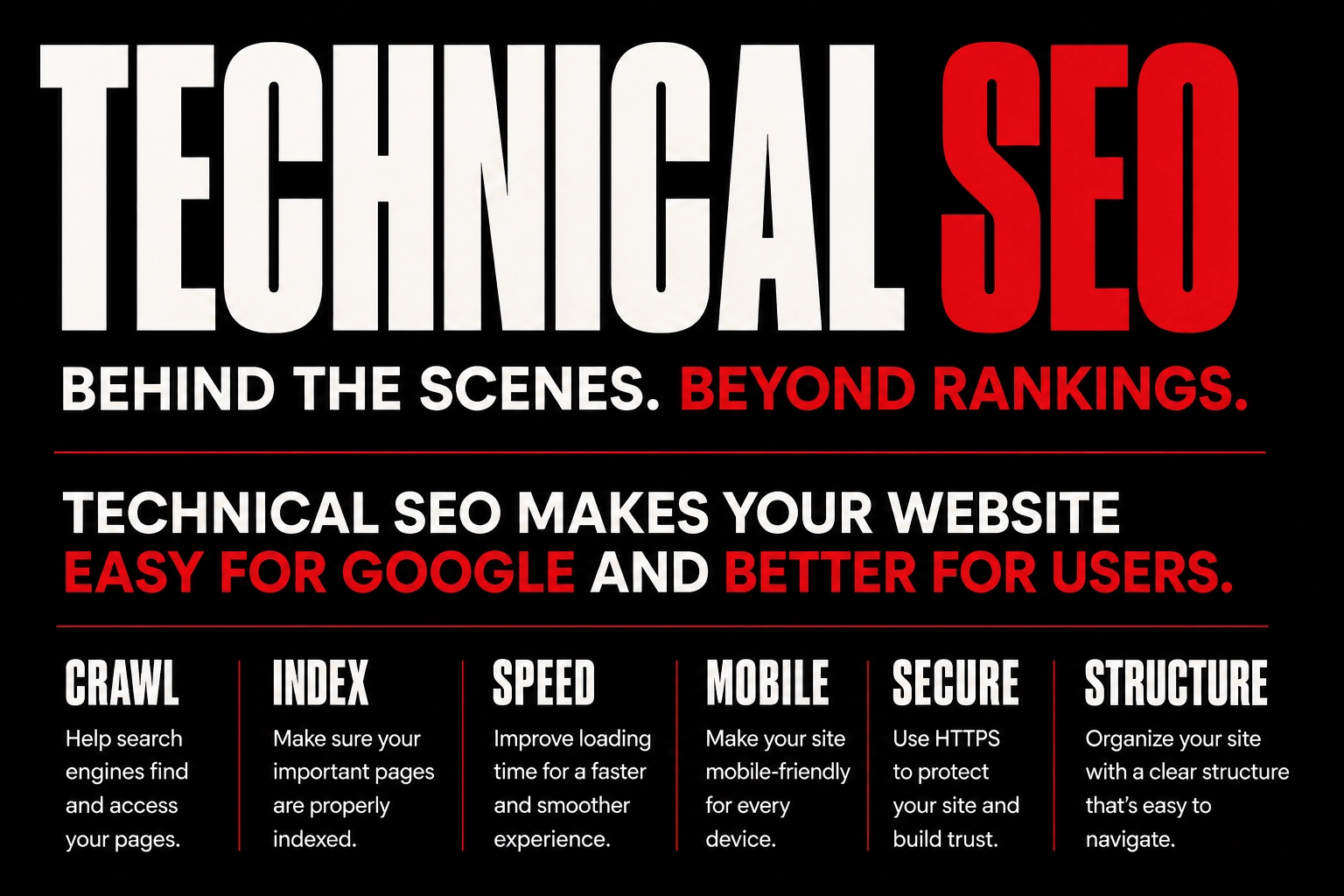
What Is Technical SEO? A Simple Guide for Beginners
Introduction
You can have a beautiful website, write useful blog posts, and offer great services, but there is still one important question:
Can Google easily find and understand your website?
If the answer is no, your website may struggle to appear in search results, even if your content is good.
This is where technical SEO becomes important.
The term “technical SEO” might sound complicated, especially if you’re new to digital marketing. But you don’t need to be a developer or coding expert to understand the basics.
In simple words, technical SEO is about making sure your website works properly behind the scenes. It helps search engines discover your pages, understand your website structure, and access your content without unnecessary problems.
It also focuses on things that make your website better for visitors, such as loading speed, mobile usability, and security.
For anyone trying to improve their Google rankings, technical SEO is an important part of the bigger SEO picture.
In this beginner-friendly guide, let’s look at what technical SEO means, why it matters, and what you can do to improve the technical side of your website.
What Is Technical SEO?
Technical SEO is the process of improving the technical parts of a website so that search engines can crawl, understand, and index its pages more effectively.
It also involves improving the overall experience for website visitors.
Some common areas of technical SEO include:
- Website speed
- Mobile responsiveness
- HTTPS security
- Website structure
- Crawling
- Indexing
- XML sitemap
- Robots.txt
- Broken links
- Canonical URLs
- Core Web Vitals
- Redirects
You might be wondering why all of this matters.
Think about your website like a house.
Your content, images, and services are everything inside the house. Technical SEO is the structure that helps people enter the house, move between rooms, and find what they’re looking for.
If the doors don’t open, the rooms are difficult to reach, or the layout is confusing, the experience won’t be great.
A website works in a similar way.
Why Is Technical SEO Important?
Search engines use automated systems, often called crawlers, to discover and understand websites.
If your website has technical problems, these crawlers may have difficulty accessing some of your pages.
For example, imagine publishing an important service page but accidentally blocking it from search engines. Your page may be excellent, but Google may not be able to properly include it in search results.
Technical SEO helps reduce these kinds of problems.
It can help you:
- Make your website easier to crawl
- Help search engines discover important pages
- Improve website speed
- Provide a better mobile experience
- Improve website security
- Create a clear website structure
- Identify technical problems
- Build a stronger SEO foundation
Technical SEO isn’t about finding a secret trick to get your website to number one.
Instead, it’s about making sure your website is technically healthy so your other SEO efforts have a better foundation.
Technical SEO vs On-Page SEO
If you’re learning SEO, you may come across the terms on-page SEO and technical SEO quite often.
Although they’re connected, they focus on different areas.
On-Page SEO
On-page SEO focuses mainly on the content and elements you can optimize on individual pages.
For example:
- Keywords
- Headings
- Page titles
- Meta descriptions
- Content
- Images
- Internal links
Technical SEO
Technical SEO focuses more on how your website works behind the scenes.
This includes:
- Crawling
- Indexing
- Website speed
- Mobile usability
- Security
- Sitemaps
- Website structure
- Redirects
Both are important.
You could have an excellent blog post, but if Google can’t properly access or index the page, that content may not reach the people searching for it.
1. Make Your Website Mobile-Friendly
Think about how often you use your phone to search for something online.
Your customers are doing the same.
A website that looks great on a laptop but is difficult to use on a phone can quickly frustrate visitors.
A mobile-friendly website should have:
- Readable text
- Easy-to-use buttons
- Properly sized images
- Simple navigation
- Responsive layouts
- Forms that work correctly
Before publishing a new page, open it on your phone and actually use it.
Try clicking the buttons, opening the menu, reading the text, and filling out forms.
Sometimes, what looks perfect in a desktop website builder can look very different on a small screen.
2. Improve Your Website Speed
Have you ever opened a website and closed it because it was taking too long to load?
Most people don’t have much patience for slow websites.
Large images, unnecessary plugins, poor hosting, and excessive scripts can all contribute to slow loading times.
You can improve website performance by:
- Compressing images
- Using modern image formats
- Removing unnecessary plugins
- Choosing reliable hosting
- Optimizing website files
- Using caching
- Reducing unnecessary scripts
You don’t have to make your website extremely complicated.
In many cases, keeping things simple can actually help.
You can use tools such as Google PageSpeed Insights to check how your pages are performing and identify areas that need attention.
3. Make Sure Your Website Uses HTTPS
Website security is another important part of technical SEO.
You may have noticed that many websites begin with HTTPS and display a padlock icon in the browser.
HTTPS helps protect the connection between the website and its visitors.
For a business website, HTTPS should be standard.
If your website doesn’t have HTTPS, contact your hosting provider and check whether an SSL certificate is properly installed.
It’s a small but important part of creating a trustworthy website.
4. Create an XML Sitemap
An XML sitemap is basically a list of important URLs on your website that helps search engines discover your pages.
You don’t need to create one manually in most cases.
If you’re using WordPress, SEO plugins can usually generate an XML sitemap automatically.
Once it’s available, you can submit it through Google Search Console.
A sitemap is particularly useful for larger websites, websites with many pages, and newer websites where search engines may still be discovering content.
5. Check Your Robots.txt File
The robots.txt file gives instructions to search engine crawlers about which areas of your website they should or shouldn’t access.
For example, there may be sections of your website that don’t need to be crawled.
However, this file needs to be handled carefully.
A small configuration mistake could potentially prevent search engines from accessing pages you actually want to appear in search results.
If you’re not familiar with robots.txt, avoid making random changes just because you’ve seen a tutorial online.
Check your settings first and understand what you’re changing.
6. Make Sure Important Pages Are Indexed
Crawling and indexing are two different things.
Crawling means a search engine discovers and accesses a page.
Indexing means the page is stored in Google’s index and can potentially appear in search results.
A page can exist on your website but still have an indexing problem.
Google Search Console can help you understand whether Google has discovered and indexed your pages.
If an important page isn’t indexed, investigate why.
Possible reasons can include:
- Noindex settings
- Crawling problems
- Redirect issues
- Duplicate content
- Technical errors
This is one reason why connecting your website to Google Search Console is so useful.
7. Fix Broken Links
Imagine clicking a link on a website and seeing a “404 Page Not Found” message.
It’s frustrating.
Broken links can appear when you:
- Delete a page
- Change a URL
- Move content
- Remove a product
- Change your website structure
Regularly checking for broken links can improve the overall experience of your website.
If you permanently move an important page, a proper redirect can help visitors and search engines reach the new location.
8. Create a Simple Website Structure
Your website should be easy to navigate.
For example, a simple portfolio website might have:
Home → About → Services → Portfolio → Blog → Contact
Your blog posts can then link to related service pages and other useful articles.
A clear structure helps visitors understand your website.
It also gives search engines a better idea of how your pages are connected.
Try not to bury important pages several clicks deep if you can avoid it.
9. Use Canonical URLs Correctly
Canonical URLs can sound technical, but the basic idea is quite simple.
Sometimes a website can have multiple URLs that show the same or very similar content.
A canonical tag helps search engines understand which version should be considered the main one.
This can become particularly important for e-commerce websites and larger websites with many URL variations.
For a simple portfolio website, you may not need to work with canonical tags every day, but it’s useful to know what they are and why they exist.
10. Pay Attention to Core Web Vitals
Core Web Vitals are measurements related to the experience users have when interacting with a webpage.
They focus on areas such as:
- Loading performance
- Interactivity
- Visual stability
In simple terms, Google wants websites to load properly, respond well when people interact with them, and avoid unexpected movement on the screen.
For example, imagine trying to click a button but the page suddenly moves and you accidentally click something else.
That’s a poor experience.
Optimizing images, reducing unnecessary scripts, and improving your website’s overall performance can help create a smoother experience.
11. Use Proper Redirects
Sometimes you need to change a page’s URL.
For example, you may have:
yourwebsite.com/old-service
and later change it to:
yourwebsite.com/digital-marketing-services
Instead of leaving the old URL broken, you can use a suitable redirect to send visitors to the new page.
Redirects are especially important when redesigning a website or changing its URL structure.
Before making major website changes, it’s worth planning how old URLs will be handled.
12. Keep Your Website Free From Duplicate Issues
Duplicate or very similar content can sometimes make it difficult for search engines to understand which version of a page should be prioritized.
This doesn’t mean that every page needs completely different information.
Instead, make sure each important page has a clear purpose.
For example:
- Your SEO service page should explain your SEO services.
- Your SMM page should focus on social media marketing.
- Your blog about SEO should provide educational information.
Clear page purposes make your website easier to understand.
13. Connect Your Website to Google Search Console
If you’re serious about improving your website’s Google visibility, Google Search Console is one of the most useful free tools available.
It can help you understand:
- Which searches bring people to your website
- Which pages receive search traffic
- Whether Google has indexing problems
- Search performance
- Mobile-related issues
- Some technical problems
Instead of guessing what is happening with your website, you can use actual search data to make better decisions.
Common Technical SEO Mistakes Beginners Make
When starting with technical SEO, you don’t need to fix everything at once.
Start by avoiding some common mistakes:
Ignoring mobile optimization
Always check your website on a smartphone.
Uploading huge images
Compress images before uploading them.
Installing too many plugins
Too many unnecessary plugins can make WordPress websites harder to manage and may affect performance.
Forgetting broken links
Check important pages and links regularly.
Making random technical changes
Don’t change robots.txt, redirects, or other technical settings without understanding what they do.
Ignoring Google Search Console
Search Console can give you useful information about your website’s performance and indexing.
Simple Technical SEO Checklist
Before you consider your website technically healthy, check the following:
- Website uses HTTPS
- Website works properly on mobile
- Important pages can be crawled
- Important pages are indexed
- XML sitemap is available
- Robots.txt is configured correctly
- Broken links are fixed
- Website loads reasonably fast
- Images are optimized
- Website structure is clear
- Internal links work
- Redirects are handled properly
- Canonical URLs are correct where needed
- Core Web Vitals are monitored
- Google Search Console is connected
You don’t have to complete this checklist in one day. Work through it step by step.
How a Freelance Digital Marketer Can Help
If you’re a business owner and technical SEO feels overwhelming, you don’t necessarily have to handle everything yourself.
A Freelance Digital Marketer in Calicut can help review your website, identify common SEO issues, and create a practical plan based on your business goals.
For example, they may help with:
- SEO audits
- On-page SEO
- Technical SEO
- Local SEO
- Keyword research
- Website optimization
- Content strategy
- Google Search Console
- Search performance monitoring
The important thing is to choose someone who explains the process clearly rather than making unrealistic promises.
Final Thoughts
Technical SEO may sound complicated when you first hear the term, but the basic idea is straightforward.
Make your website easy for search engines to access and easy for people to use.
Start with the fundamentals.
Make sure your website is mobile-friendly, secure, reasonably fast, easy to navigate, and properly indexed. Keep your sitemap and technical settings in order, fix broken links, and monitor your website through Google Search Console.
And remember, technical SEO is only one part of SEO.
Good content, relevant keywords, search intent, backlinks, local SEO, and a positive user experience all play their own roles.
If you’re building a business website in Calicut, getting these basics right can give you a much stronger foundation for long-term search visibility.
SEO isn’t about finding a quick trick that suddenly puts your website at the top of Google. It’s about making steady improvements that make your website more useful, accessible, and trustworthy.
Start small, keep learning, and improve your website one step at a time.
Frequently Asked Questions
What is technical SEO in simple words?
Technical SEO means improving the technical parts of your website so search engines can crawl, understand, and index your pages more easily.
Is technical SEO important for a small business website?
Yes. Even a small business website can benefit from good website speed, mobile usability, security, clear navigation, and proper indexing.
Can beginners do technical SEO?
Yes. Many basic tasks can be handled by beginners using tools such as Google Search Console, PageSpeed Insights, and WordPress SEO plugins. More advanced issues may require technical knowledge.
Does technical SEO guarantee Google rankings?
No. Technical SEO is an important foundation, but rankings also depend on content quality, relevance, competition, backlinks, user experience, and many other factors.
How often should technical SEO be checked?
It’s useful to monitor your website regularly and perform a more detailed check after major changes such as a redesign, migration, or significant change to your website structure.