
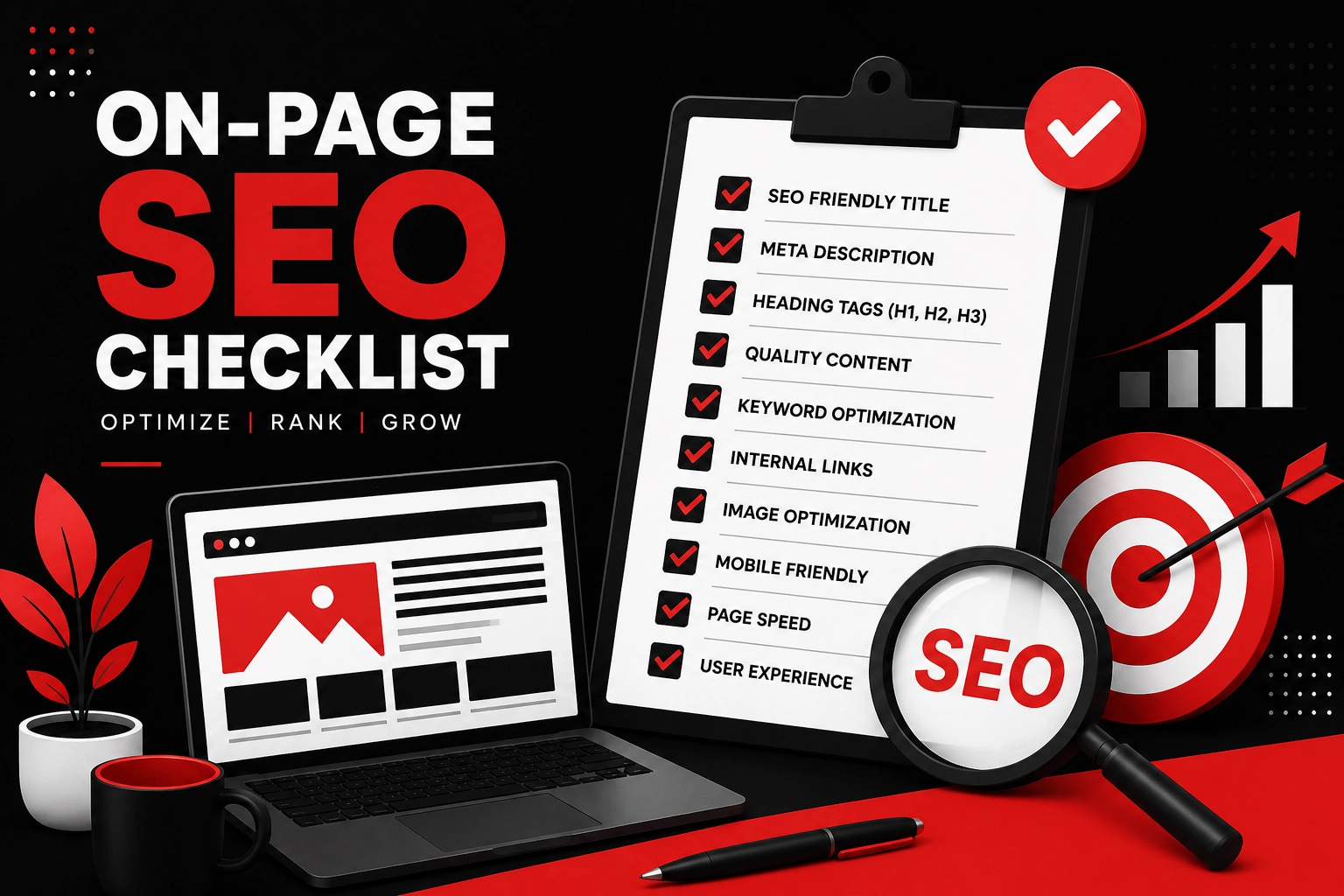
On-Page SEO Checklist Every Website Should Follow
Introduction
Having a website is a great first step for any business. But simply putting a website online doesn’t mean people will automatically find it on Google.
Your website needs to be easy for both visitors and search engines to understand.
This is where on-page SEO comes in.
On-page SEO is about improving the content and elements of individual pages so search engines can better understand what each page is about. It also helps visitors find the information they need without getting confused.
If you’re a business owner, blogger, freelancer, or someone managing a website, having a simple SEO checklist can make the process much easier.
In this guide, we’ll go through the most important on-page SEO steps you should check before publishing a page.
If you’re working with a Freelance Digital Marketer in Calicut, this checklist can also help you understand the basic SEO work that should be considered when optimizing your website.
What Is On-Page SEO?
On-page SEO refers to the changes you make directly on your website to improve its visibility in search engines.
It includes things such as:
- Page titles
- Headings
- Keywords
- Content
- URLs
- Images
- Internal links
- Meta descriptions
- User experience
The goal isn’t to add keywords everywhere.
The real goal is to make your website useful, clear, and easy to understand.
Good on-page SEO should work for both people and search engines.
On-Page SEO Checklist
Let’s look at the important elements one by one.
1. Choose the Right Primary Keyword
Before creating a page, decide what topic or search query you want the page to focus on.
For example, if you provide digital marketing services in Calicut, a relevant keyword might be:
Digital Marketing Services in Calicut
For another page, your target could be:
Freelance Digital Marketer in Calicut
The keyword should match what the page actually offers.
Don’t choose keywords simply because they have high search volume. Relevance and search intent are equally important.
2. Create a Clear SEO-Friendly Title
Your page title tells both Google and users what your page is about.
A good title should be:
- Clear
- Relevant
- Specific
- Easy to understand
- Naturally include the main keyword when appropriate
For example:
On-Page SEO Checklist Every Website Should Follow
is much clearer than:
SEO Tips and Things You Need to Know About Websites
Your title should make people understand what they’ll get from the page.
3. Write a Useful Meta Description
A meta description is the short description that may appear below your page title in search results.
It doesn’t directly guarantee higher rankings, but a good description can encourage people to click on your page.
Try to:
- Explain what the page offers
- Include your main keyword naturally
- Make the description interesting
- Avoid unnecessary keyword repetition
Think of your meta description as a small introduction to your page.
4. Use Proper Heading Structure
Headings make your content easier to read.
Your main page title should normally be your H1.
Then use H2 headings for major sections and H3 headings for smaller sections.
For example:
H1: On-Page SEO Checklist Every Website Should Follow
H2: What Is On-Page SEO?
H2: Important On-Page SEO Factors
H3: Optimize Your Images
H3: Improve Internal Linking
A clear heading structure also helps search engines understand the organization of your content.
5. Create Helpful and Original Content
This is one of the most important parts of SEO.
Don’t create an article just because you want to add keywords to your website.
Ask yourself:
Does this content actually help the reader?
Good content should answer questions, explain things clearly, and provide useful information.
Avoid copying content from other websites. Instead, add your own experience, examples, explanations, and opinions where appropriate.
For a portfolio website, your content is also an opportunity to demonstrate your knowledge.
6. Use Keywords Naturally
Keywords are important, but repeating them too many times can make your content sound unnatural.
For example, instead of writing:
“If you need a Freelance Digital Marketer in Calicut, our Freelance Digital Marketer in Calicut can help you because our Freelance Digital Marketer in Calicut provides…”
write naturally:
“If you’re looking for digital marketing support in Calicut, a freelancer can help you create a strategy based on your business goals.”
Use your primary keyword where it makes sense and include related terms naturally.
There is no magic keyword density percentage that guarantees rankings. Relevance, usefulness, search intent, and overall content quality matter more than hitting an exact density.
7. Optimize Your URL
A clean URL is easier for users and search engines to understand.
For example:
Good:
example.com/on-page-seo-checklist
Less useful:
example.com/page?id=12345
Keep URLs:
- Short
- Descriptive
- Easy to read
- Relevant to the page
Avoid adding unnecessary words or numbers.
8. Optimize Your Images
Images can make your website more attractive, but they also need optimization.
Before uploading an image:
- Compress the file
- Use an appropriate format
- Give the image a descriptive filename
- Add useful alt text
- Avoid unnecessarily large image dimensions
For example, instead of:
IMG_1234.jpg
you could use:
on-page-seo-checklist.jpg
Your alt text should describe the image accurately. Don’t use alt text simply as a place to insert keywords.
9. Add Internal Links
Internal links connect one page on your website to another.
They help visitors discover related information and make it easier for search engines to understand the relationship between your pages.
For your portfolio website, you could connect this article to pages such as:
- SEO Services
- Social Media Marketing
- Digital Marketing Services
- About Me
- Portfolio
- Contact
You can also link this article to other relevant blog posts.
For example, an article about Local SEO Tips for Small Businesses in Calicut could naturally link to your SEO service page.
10. Make Your Website Mobile-Friendly
A large number of people browse websites using smartphones.
If your website looks good on a desktop but is difficult to use on mobile, you’re creating a poor experience for visitors.
Check whether:
- Text is easy to read
- Buttons are easy to tap
- Images fit the screen
- Menus work properly
- Forms are easy to complete
- Pages load properly
Always check your website on both desktop and mobile before publishing.
11. Improve Page Speed
Nobody likes waiting for a slow website.
Large images, unnecessary plugins, poor hosting, and excessive scripts can slow down your pages.
You can improve performance by:
- Compressing images
- Removing unnecessary plugins
- Using browser caching
- Optimizing website code
- Choosing reliable hosting
- Reducing unnecessary scripts
Tools such as Google PageSpeed Insights can help you identify performance problems.
12. Add External Links Where Useful
Internal links connect pages on your own website. External links point to useful resources on other websites.
When appropriate, linking to reliable sources can help provide additional context for your readers.
Don’t add external links just for the sake of SEO. Use them when they genuinely help the person reading your content.
13. Check Your Website’s Technical SEO
On-page SEO works best when your website is technically healthy.
Check basic technical elements such as:
- HTTPS
- XML sitemap
- Robots.txt
- Broken links
- Mobile usability
- Indexing issues
- Canonical URLs
- Page redirects
You can use tools such as Google Search Console to identify indexing and website performance issues.
14. Match Search Intent
One of the biggest mistakes in SEO is focusing only on keywords and forgetting what the person actually wants.
For example, someone searching:
“how to improve website SEO”
probably wants a guide.
Someone searching:
“SEO services in Calicut”
may be looking for a service provider.
Your content should match the purpose behind the search.
Before creating a page, search your target keyword on Google and look at the type of results that appear. This can give you an idea of what users are expecting.
15. Keep Your Content Updated
SEO doesn’t end when you publish an article.
Information changes, businesses change, and search behaviour changes.
Review your important pages regularly and update:
- Outdated information
- Statistics
- Links
- Screenshots
- Examples
- Services
- Keywords where appropriate
Updating useful content can keep your website relevant over time.
Common On-Page SEO Mistakes
While optimizing your website, avoid these common mistakes:
- Stuffing keywords into every paragraph
- Writing content only for search engines
- Using duplicate content
- Ignoring mobile users
- Using very large images
- Creating unclear URLs
- Forgetting internal links
- Writing generic titles
- Using misleading meta descriptions
- Publishing content without checking search intent
SEO doesn’t need to be complicated. Getting the basics right consistently can make a big difference.
Simple On-Page SEO Checklist
Before publishing a page, quickly check the following:
☐ Primary keyword selected
☐ Search intent understood
☐ SEO-friendly title created
☐ Meta description written
☐ One clear H1 added
☐ H2 and H3 headings organized
☐ Helpful and original content written
☐ Keyword used naturally
☐ URL optimized
☐ Images compressed
☐ Image alt text added where appropriate
☐ Internal links added
☐ Relevant external links included
☐ Mobile version checked
☐ Page speed checked
☐ Broken links checked
☐ Page is indexable
☐ Content reviewed before publishing
Final Thoughts
On-page SEO may seem complicated when you first start, but you don’t need to change everything at once.
Start with the basics: understand your audience, choose relevant keywords, create useful content, write clear titles, optimize your images, improve your website speed, and connect related pages with internal links.
Most importantly, don’t write for Google alone. Write for the people who will actually read your website.
If you’re building a business website in Calicut, working with a Freelance Digital Marketer in Calicut can help you create a practical SEO strategy based on your goals and audience.
SEO is a long-term process. There may not be an immediate change in rankings after every optimization, but consistent improvements can help create a stronger website and a better experience for your visitors.
Use this checklist whenever you create or update a page, and you’ll have a much stronger foundation for your website’s SEO.
Frequently Asked Questions
What is on-page SEO?
On-page SEO is the process of optimizing elements on your website, such as content, headings, titles, URLs, images, and internal links, to make your pages easier for search engines and users to understand.
Is keyword density important for SEO?
Using relevant keywords naturally is useful, but there is no specific keyword density percentage that guarantees rankings. Avoid keyword stuffing and focus on useful, relevant content.
How long does on-page SEO take to show results?
The time varies depending on your website, competition, content quality, and other SEO factors. Some changes may be noticed relatively quickly, while ranking improvements can take weeks or months.
Can I do on-page SEO myself?
Yes. Basic on-page SEO can be learned and managed yourself. As your website grows, you may benefit from professional support for more advanced SEO work.
Why are internal links important?
Internal links help visitors find related content and help search engines understand the structure and relationships between pages on your website.